
SEO Friendly Website Design: 14 Principles for Sites That Rank and Convert
A beautiful website that nobody finds isn’t doing its job. An SEO friendly website design is one that looks great and makes it easy for search engines to crawl, understand and rank your pages, while giving visitors a fast, smooth experience.
The good news: most SEO-friendly design decisions are also good UX decisions. Here are 14 principles to follow whether you’re building a new site or planning a redesign.
What makes a website SEO friendly?
An SEO friendly website has three things going for it:
- Crawlability: search engines can find and access every important page.
- Clarity: each page has a clear topic, structure and purpose.
- Experience: pages load fast, work on mobile and are easy to use.
Get these right and every other SEO effort, from content to link building, works harder for you.
14 principles of SEO friendly website design
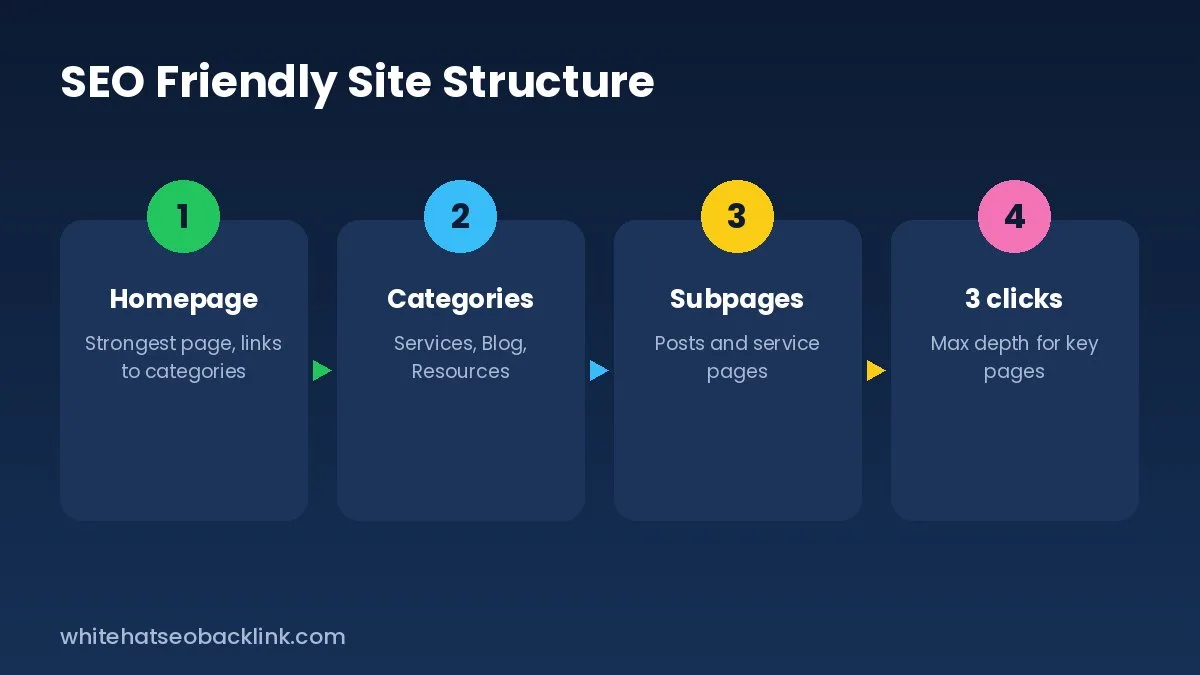
1. Plan a flat, logical site structure
Group pages into clear categories and keep important pages within three clicks of the homepage. A simple hierarchy helps users navigate and spreads link authority across your site.
2. Use clean, descriptive URLs
Short, readable URLs like /seo-friendly-website-design/ beat /p?id=4821. Use hyphens, lowercase letters and your main keyword.
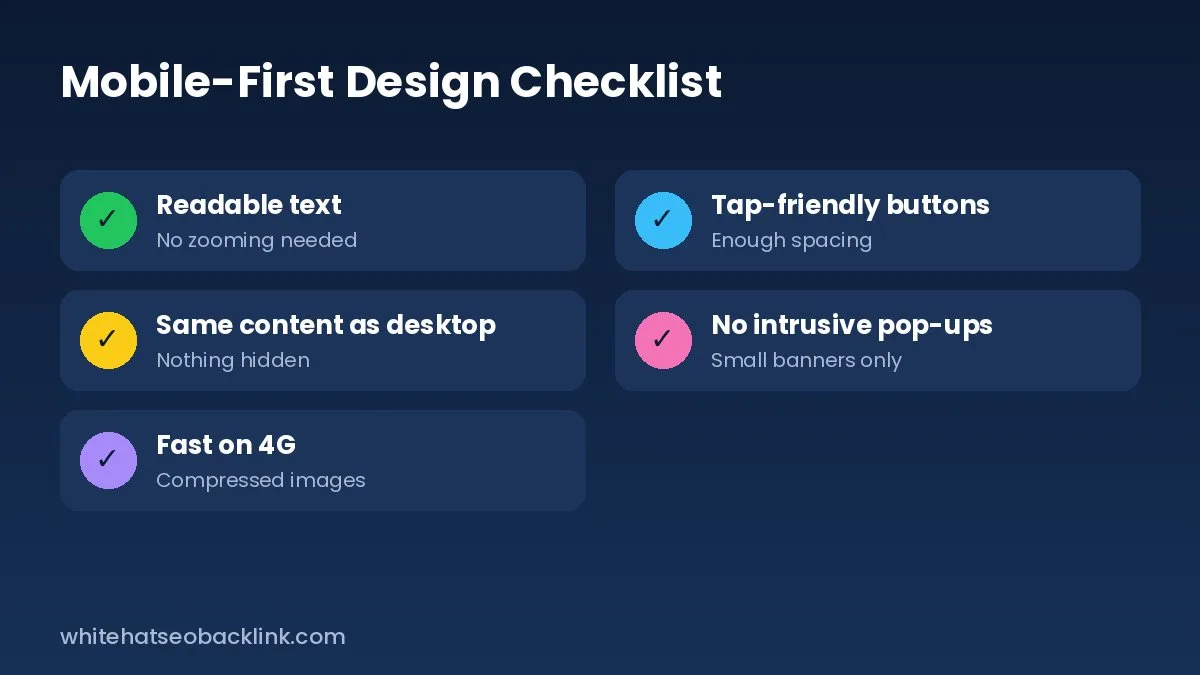
3. Design mobile-first
Google indexes the mobile version of your site. Design for small screens first: readable text without zooming, tap-friendly buttons, and no content hidden on mobile.
4. Make speed a design requirement
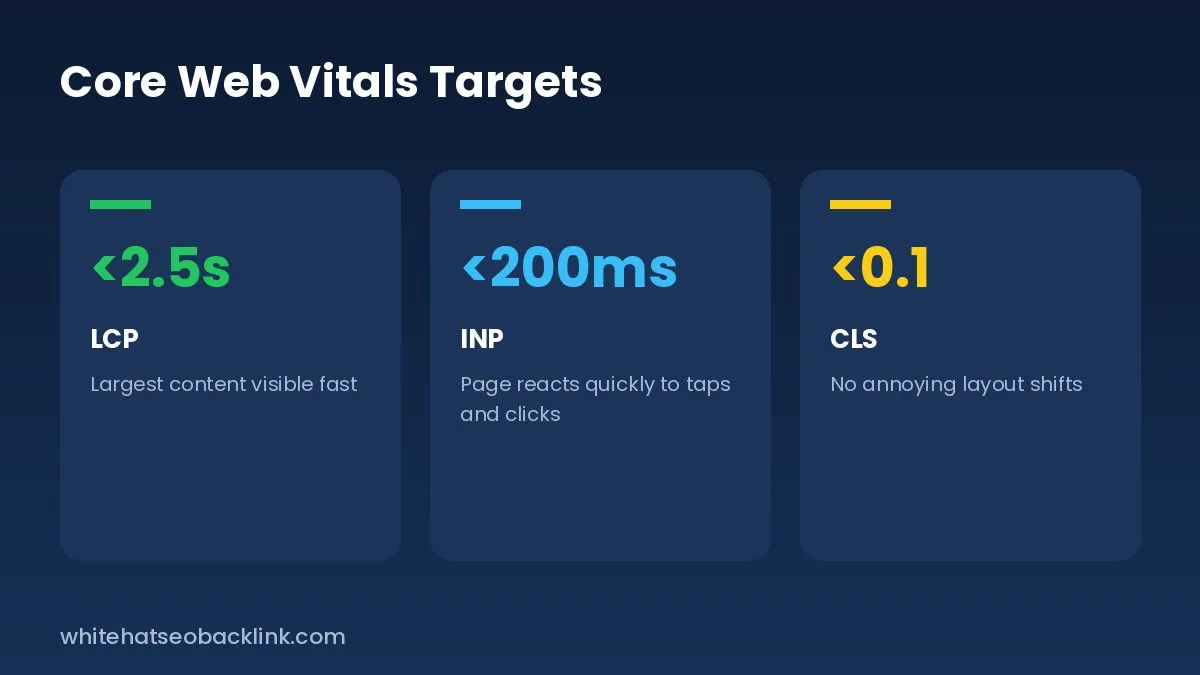
Heavy sliders, autoplay videos and huge images slow sites down. Aim for good Core Web Vitals:
- LCP (Largest Contentful Paint): under 2.5 seconds.
- INP (Interaction to Next Paint): under 200 ms.
- CLS (Cumulative Layout Shift): under 0.1.
5. Optimise images properly
Compress images, use modern formats like WebP, set width and height to prevent layout shifts, lazy-load images below the fold, and always write descriptive alt text.
6. Use a clear heading hierarchy
One H1 per page, then H2s for main sections and H3s for sub-points. Headings help readers scan and help search engines understand your content.
7. Build internal linking into the design
Navigation menus, breadcrumbs, related posts and in-content links guide users and search engines to your important pages. For example, this post links to our off page SEO checklist because the two topics work together.
8. Keep navigation simple
Use clear labels like “Services”, “Pricing” and “Blog” instead of clever names. Avoid navigation that relies only on JavaScript that crawlers can’t follow.
9. Make content readable
Short paragraphs, good contrast, comfortable font sizes and plenty of white space keep people reading. Longer visits and lower bounce rates are good signs for any page.
10. Avoid intrusive pop-ups
Full-screen pop-ups that cover content on mobile frustrate users and can hurt rankings. Use small banners or exit-intent pop-ups instead.
11. Add structured data
Schema markup for articles, FAQs, products, reviews and local businesses helps search engines understand your content and can earn rich results.
12. Use HTTPS everywhere
A secure site is a basic trust signal for users and Google. Make sure every page, image and script loads over HTTPS.
13. Show trust signals
A clear About page, contact details, reviews, author bios and policies help visitors and search engines trust your site. Trusted sites also find it easier to earn backlinks. That’s covered in our post on how relevant backlinks improve your website’s authority.
14. Plan redesigns carefully
Redesigns are where many sites lose rankings. Keep URLs where possible, set up 301 redirects for any that change, and keep pages that already rank and earn links.
SEO friendly website design checklist before launch
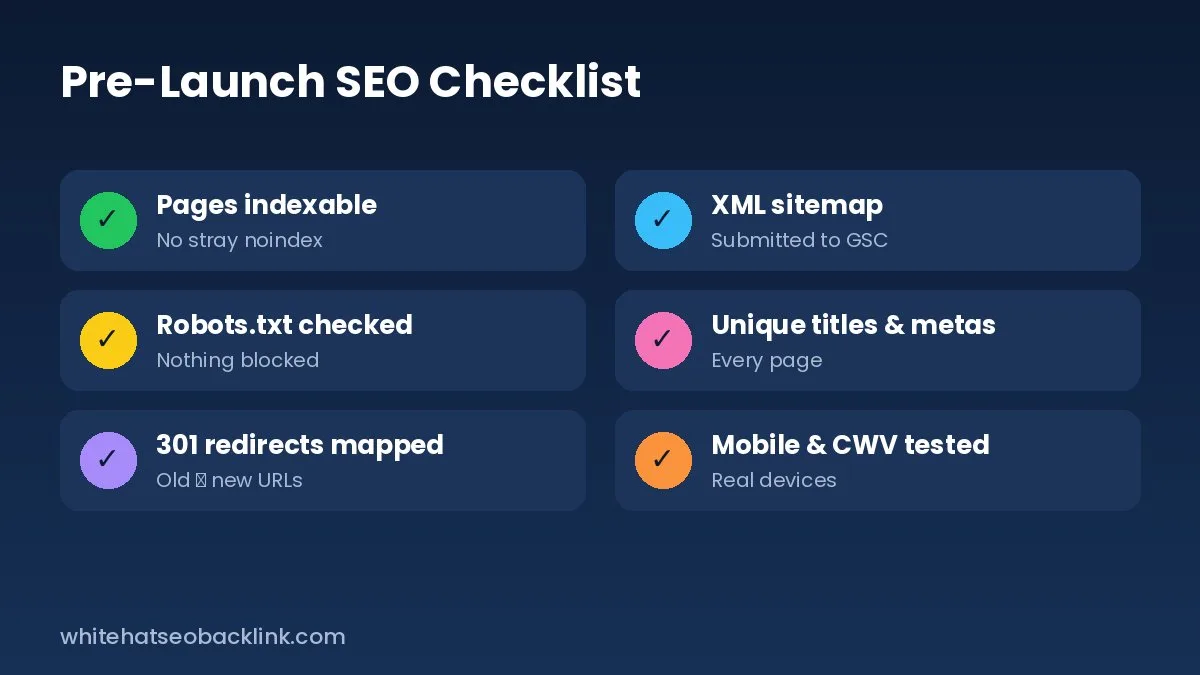
Run through this list before you launch a new site or redesign:
- All important pages are indexable (no accidental
noindex). - XML sitemap is created and submitted to Google Search Console.
- Robots.txt doesn’t block important content.
- Every page has a unique title tag and meta description.
- Redirects are mapped from old URLs to new ones.
- Mobile layout tested on real devices.
- Core Web Vitals checked on key templates.
- Broken links and missing images fixed.
Common design mistakes that hurt SEO
- Putting important text inside images.
- Using one-page designs for businesses with many services.
- Hiding content in tabs or accordions that never loads for crawlers.
- Launching a redesign without redirects.
- Choosing a heavy theme packed with features you don’t use.
FAQs
Does website design affect SEO?
Yes. Structure, speed, mobile usability and internal linking all influence how well search engines crawl and rank your site.
Is WordPress SEO friendly?
WordPress can be very SEO friendly with a lightweight theme, a good SEO plugin, caching and clean structure.
Do I need SEO if my website is well designed?
Yes. Good design creates the foundation, but you still need quality content and authority from backlinks to compete. Learn more in our off page SEO checklist.
Should web designers offer SEO?
Many do, or partner with SEO specialists. If you’re a designer looking to offer SEO, our guide on how to get SEO clients is a good place to start.
Your design is ready. Now build authority.
An SEO friendly website design gives you a strong foundation. To actually outrank competitors, you need relevant backlinks pointing to your best pages. Check out our link building packages or contact us for a custom plan.


