How Relevant Backlinks Improve Your Website’s Authority
Two websites can have the same number of backlinks and still rank very differently. One gets links from blogs that write about the same topic. The other gets links from random sites about recipes and car parts and casinos. The first site usually wins.
The reason is simple. A link counts for more when it comes from a page that is related to yours. This guide explains why relevance matters and how to tell a relevant link from a useless one. It also shows how to build relevant links without risking your site.
What Is a Relevant Backlink?
A relevant backlink is a link from a page that covers the same topic as your page or a closely related one. It sits inside content where the link makes sense to a reader.
Here is a quick example for a site that sells running shoes:
- Relevant: a link from a marathon training blog in an article about choosing shoes for long runs
- Somewhat relevant: a link from a general fitness site in a post about starting a running habit
- Not relevant: a link from a web hosting blog in a “top 50 tips” list with no connection to running
Relevance works at two levels. The whole site should be in or near your niche. The page that links to you should also be about something related to your page.
Why Relevant Links Build More Authority
Google reads links as recommendations
Google has said for years that it looks at links when it ranks pages. In its own guide to how search works, Google says that when other well-known websites on a subject link to a page it is a good sign the information is high quality. Notice the words “on the subject”. A recommendation from someone in your field carries more weight than one from a stranger.
Context tells Google what your page is about
Google uses the anchor text and the words around a link to understand the page it points to. Its link guidelines ask for anchor text that is descriptive and relevant to both pages. When a running blog links to your shoe guide with the words “best shoes for marathon training” Google learns something useful about your page. A random link on an unrelated site teaches it very little.
Relevant links bring real visitors
People click links that interest them. A reader on a marathon blog may click through to your shoe guide because it helps with what they are already reading. That visit can turn into a sale or a newsletter signup. A link buried on an unrelated site rarely gets a single click.
They build topical authority over time
When many trusted sites in one topic point to you, your site becomes connected to that topic. Over time search engines start to see you as a go-to source in your niche. This is often called topical authority. It helps new pages on your site rank faster because they inherit trust from the rest of the site.
They help with AI search too
AI tools such as Google AI Overviews and ChatGPT build answers from what trusted sites say about a brand. If relevant sites in your industry mention you in context those tools have a better chance of linking your brand with the right topic.
They look natural
A real business earns links from its own industry. Suppliers link to it. Bloggers in the same niche review it. Local news covers it. A profile full of unrelated links looks bought and can attract the wrong kind of attention from Google’s spam systems.
Relevant Links vs High DR Links: Which Matters More?
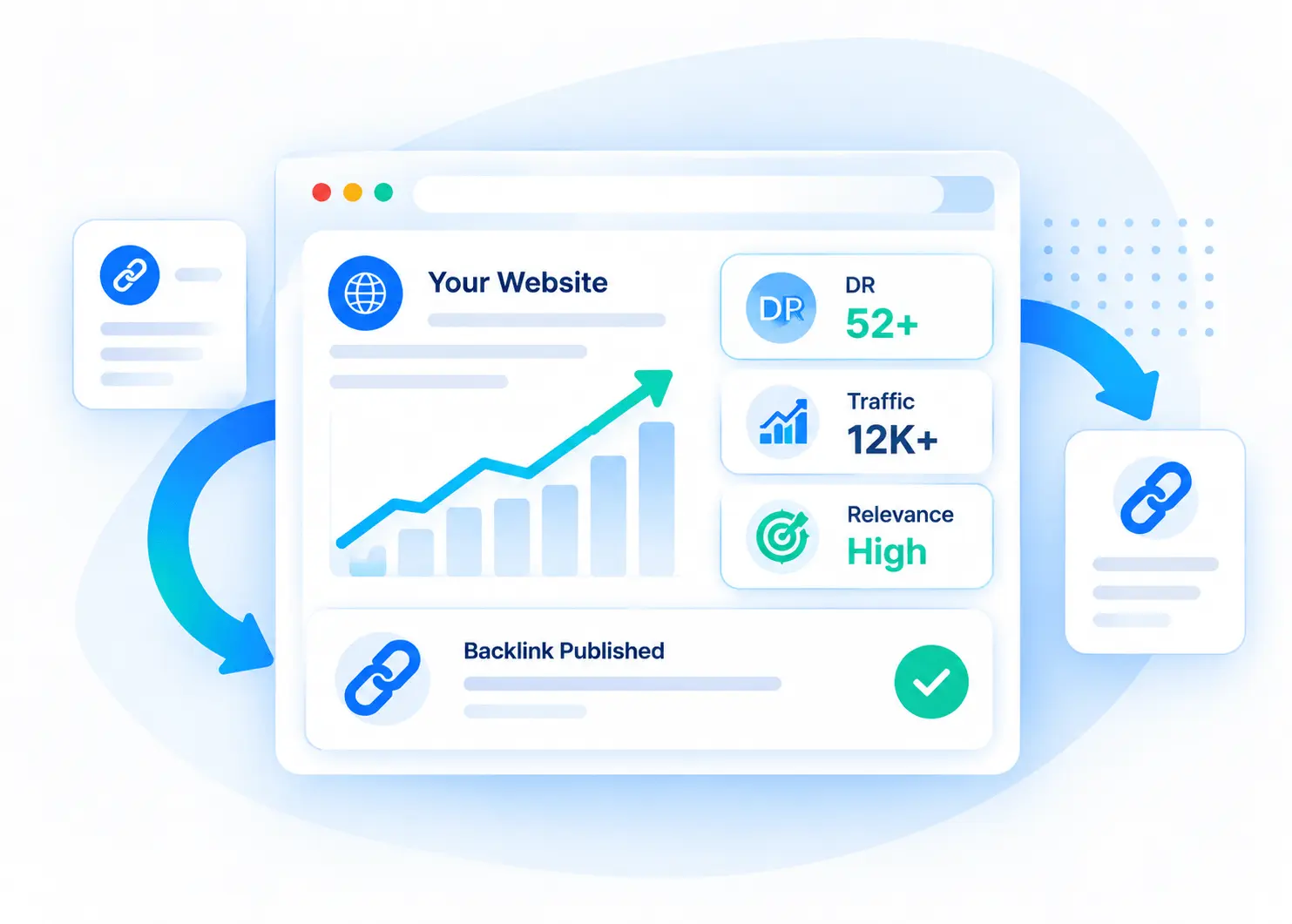
Domain Rating (DR) and Domain Authority (DA) are scores made by SEO tools. Google does not use them. They are still useful for a quick check but they should not be the only thing you look at.
Compare these two options:
- Link A: DR 75 general news site in a “sponsored” section with 40 other outbound links and no readers in your niche
- Link B: DR 38 industry blog with steady organic traffic and an article written for your exact audience
For most businesses Link B is the better choice. It is relevant and it sends visitors who care about your topic. The best links have both relevance and authority. If you have to choose one go with relevance.
How to Check if a Backlink Is Relevant
Before you accept or pay for any link run through this short checklist.
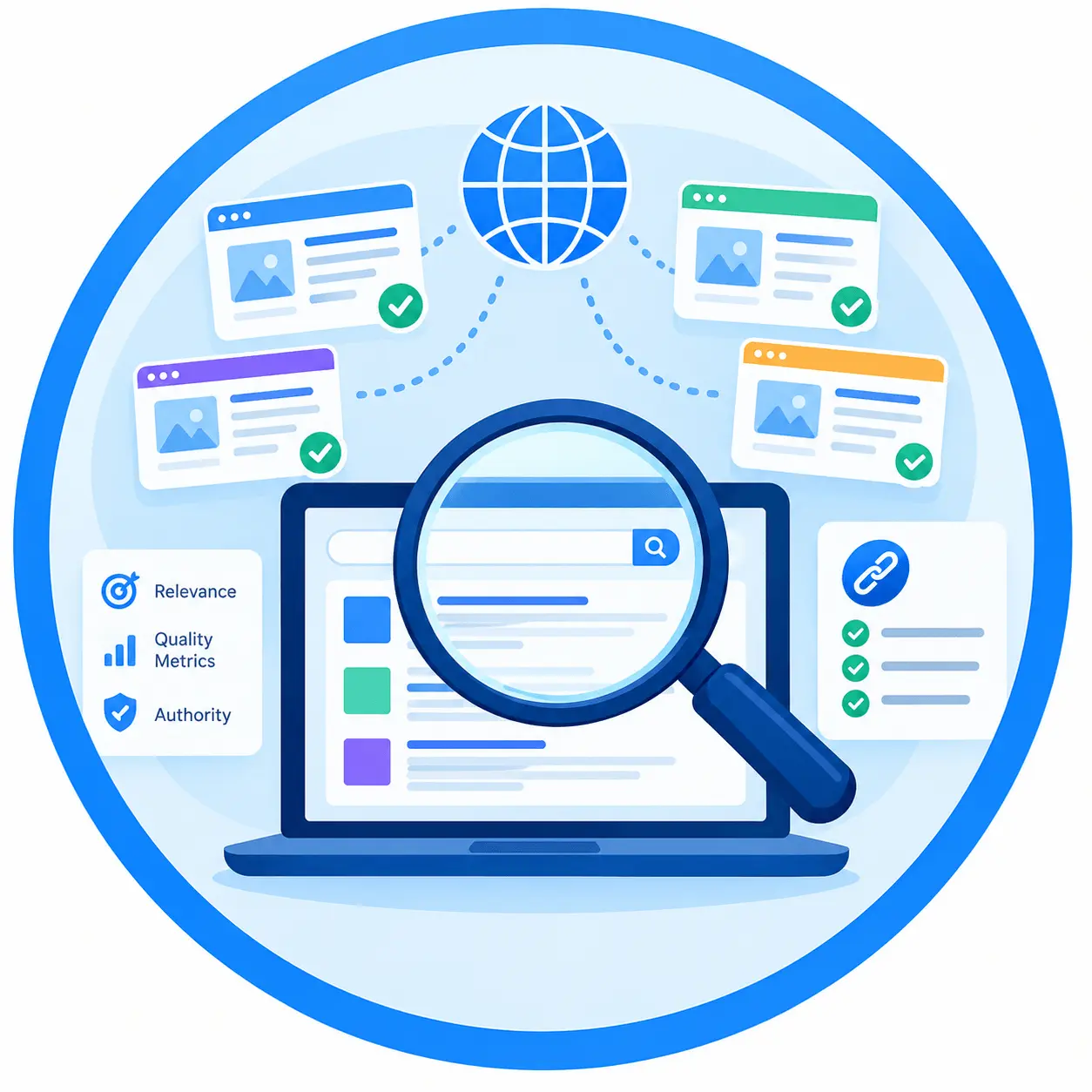
- Read the homepage and the last ten posts. Do they cover your topic or a close neighbor? A site that writes about everything is not relevant to anything.
- Check the page that will link to you. The article itself should be about a related subject. Your link should help the reader.
- Look at organic traffic. Use Ahrefs or Semrush. You want steady traffic from keywords related to your niche. A sudden crash can mean a Google penalty.
- Check where the traffic comes from. If you sell in the US, a site with most of its visitors from other countries is less useful.
- Count the outbound links. Pages packed with links to unrelated sites are a warning sign.
- Search for a “write for us” page with a price list. Sites that publish anything for anyone lose value fast.
- Make sure the site is indexed. Search site:domain.com in Google. If few pages show up skip it.
What Counts as “Related” Enough?
You do not need links only from sites that do exactly what you do. Your direct competitors will rarely link to you. Look for sites your customers already read.
Good sources for a link building agency would be:
- Digital marketing and SEO blogs
- Small business and startup sites
- Web design and WordPress blogs
- Content marketing and copywriting sites
- SaaS and e-commerce growth blogs
Each one is a different niche. All of them share an audience that cares about getting more traffic.
Common Mistakes to Avoid
- Chasing DR only. High numbers on unrelated sites rarely move rankings.
- Using the same exact-match anchor text again and again. Mix in your brand name and natural phrases.
- Buying cheap link packages. “500 links for $50” almost always means spam sites or private blog networks.
- Ignoring your own content. Links work best when they point to pages that deserve to rank.
- Building links too fast. A steady flow looks natural. A sudden spike of hundreds of links does not.
How to Build Relevant Backlinks
1. Write guest posts for niche sites
Pitch useful articles to blogs in your field. Write for their readers first. Mention your brand or link to a helpful page only where it fits.
2. Create something worth linking to
Original data, free tools, templates and detailed guides attract links on their own. People in your niche link to resources that save them time.
3. Fix broken links on related sites
Find dead links on blogs in your niche. Let the site owner know and suggest your page as a replacement if it covers the same thing.
4. Use your real-world connections
Suppliers, partners and industry groups often have pages that list the businesses they work with. Ask to be included.
5. Answer questions as an expert
Journalists and bloggers look for expert quotes. Platforms that connect reporters with sources can earn you mentions on news and industry sites.
Quick Answers
Are unrelated backlinks bad?
A few unrelated links are normal and usually harmless. Every site picks some up. Problems start when most of your links come from unrelated or low-quality sites.
How many relevant backlinks do I need?
There is no fixed number. Look at the pages that rank on page one for your keyword. Check how many referring domains they have and how relevant those sites are. That gives you a realistic target.
How long do backlinks take to work?
Most links take a few weeks to a few months to show an effect. It depends on how often Google crawls the linking page and how competitive your keyword is.
The Bottom Line
Ten links from sites your customers actually read will do more for your authority than a hundred links from random blogs. Focus on relevance first. Then look at traffic and authority. Point your links at pages that are worth ranking.
Want relevant links without doing the outreach yourself? We place guest posts on real sites in your niche and send you every live URL with its metrics. See our packages or start with a $99 trial post.