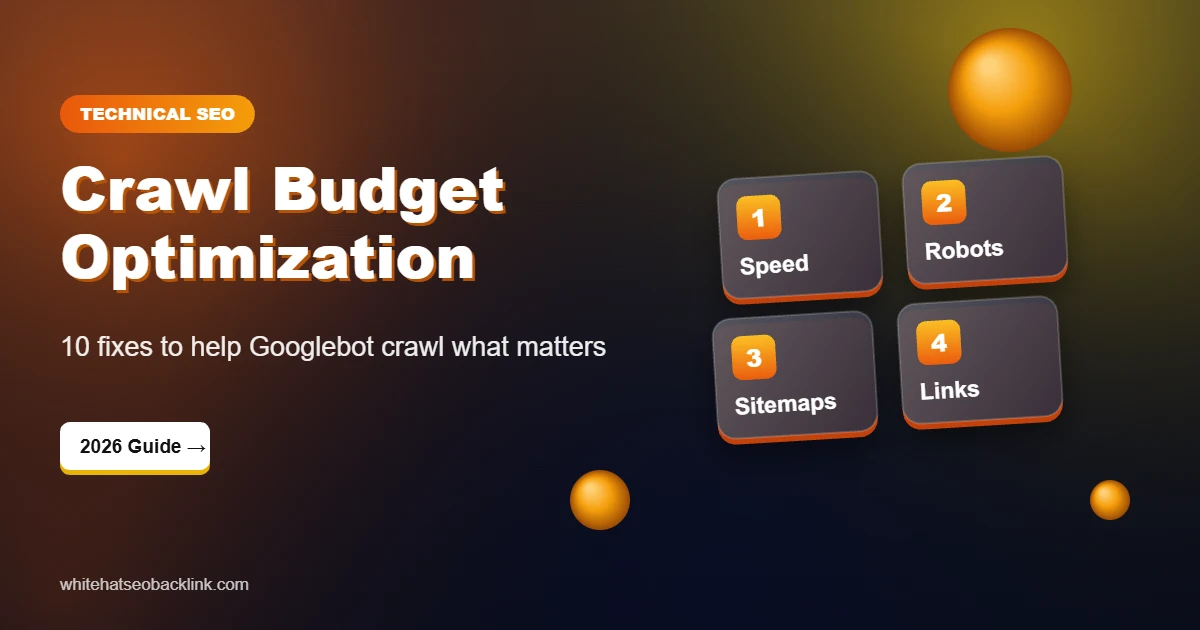
Crawl Budget Optimization: 10 Ways to Help Google Crawl Your Site Faster
Google doesn’t crawl every page on the web every day. It decides how much time and how many requests to spend on each site. If your important pages are stuck in “Discovered – currently not indexed” while Googlebot keeps fetching thousands of filter URLs, you have a crawl efficiency problem.
This guide explains what crawl budget is, how to tell whether it’s holding you back, and ten practical fixes that help Google spend its time on the pages you actually want ranked.
What is crawl budget?
Crawl budget is the number of URLs Googlebot can and wants to crawl on your site within a given time. Google’s own documentation describes it as a combination of two things:
- Crawl capacity limit: how many requests Googlebot can make without overloading your server. Fast, healthy servers get a higher limit. Frequent errors or slow responses lower it.
- Crawl demand: how much Google wants to crawl your URLs, based on their popularity, how often they change and how fresh Google thinks they need to be.
Does crawl budget matter for your site?
For most small sites, it doesn’t. Google states that crawl budget mainly concerns very large sites (around a million or more unique pages) or medium sites (tens of thousands of pages) whose content changes very often. A 200-page business site rarely has this problem; if pages aren’t indexed there, the cause is usually quality or internal linking.
It’s worth investigating when:
- You run an e-commerce store with faceted navigation and many product variants.
- You publish large volumes of new content daily, such as news, listings or classifieds.
- Search Console shows many pages under Discovered – currently not indexed.
- New or updated pages take weeks to be crawled.
How to check your crawl activity
Search Console Crawl Stats report
Go to Settings > Crawl stats in Google Search Console. You’ll see total crawl requests, average response time and a breakdown by response code, file type, purpose (discovery vs refresh) and Googlebot type. Watch for spikes in 5xx errors, slow response times and a high share of requests going to redirects or non-HTML files.
Server log file analysis
Log files show exactly which URLs Googlebot requested. Tools like Screaming Frog Log File Analyser or Semrush Log File Analyzer help you spot which sections get crawled most, which important pages are ignored, and how much activity goes to parameter URLs. Verify Googlebot by reverse DNS, since fake bots often use its user agent.
10 crawl budget optimization fixes
1. Improve server speed and stability
Faster responses let Googlebot fetch more URLs without stressing your server. Use good hosting, caching, a CDN and HTTP/2. Fix recurring 5xx server errors, because repeated errors cause Google to slow down crawling.
2. Block low-value URLs with robots.txt
Use robots.txt to stop crawling of URLs that should never appear in search: internal search results, cart and checkout pages, and endless filter combinations. Be careful: robots.txt blocks crawling, not indexing. Pages blocked this way can still show up as indexed, though blocked by robots.txt if they have links.
3. Control faceted navigation
Filters for colour, size, price and sort order can create millions of URL combinations. Decide which filtered pages have search demand and should be indexable, then block or avoid linking to the rest. Our guide on e-commerce technical SEO covers this in depth.
4. Clean up URL parameters
Session IDs, tracking codes and duplicate parameters waste Googlebot’s time by creating many URLs for the same content. Keep internal links pointing to clean URLs, and use canonical tags to consolidate duplicates.
5. Fix redirect chains
Each hop in a redirect chain costs an extra request. Update internal links to point directly to the final URL and collapse chains to a single 301. See how to fix redirect chains.
6. Return the right status codes
Removed pages should return 404 or 410, not a 200 page that says “not found”. These soft 404 errors keep getting crawled. For unchanged pages, support the If-Modified-Since header and return 304 Not Modified so Google can skip downloading them again.
7. Keep XML sitemaps clean and current
Include only indexable, canonical URLs that return a 200 status. Use accurate lastmod dates so Google knows which pages changed. Split large sites into several sitemaps by section to monitor indexing more easily.
8. Strengthen internal linking
Pages with more internal links get crawled more often. Link to important pages from your navigation, hubs and related articles, and find orphan pages that have no internal links at all. Keep key pages within three clicks of the homepage.
9. Reduce duplicate and thin content
Every near-duplicate page competes for crawl attention. Consolidate similar pages, prune content with no value, and use canonical tags for necessary duplicates. Efficient crawling follows healthy content quality.
10. Make JavaScript content easy to crawl
Rendering JavaScript takes extra resources, which can delay indexing. Use server-side rendering or static generation for important content, and make sure links are real <a href> elements. Our JavaScript SEO guide explains the details.
Common crawling myths
| Myth | Reality |
|---|---|
| Every site needs crawl budget work | Mostly large or fast-changing sites do |
| Noindex saves crawl budget | Google still has to crawl a page to see noindex |
| Crawl-delay in robots.txt controls Googlebot | Googlebot ignores crawl-delay |
| More crawling means higher rankings | Crawling enables indexing; it is not a ranking factor |
Quick checklist
- Review Crawl Stats monthly for errors and response time.
- Analyse server logs for wasted crawls at least quarterly.
- Block or de-link infinite filter and search URLs.
- Fix redirect chains, soft 404s and 5xx errors.
- Keep sitemaps limited to indexable, canonical URLs.
- Link to important pages from strong, relevant pages.
For the wider picture, work through our full technical SEO checklist.
FAQs
How do I increase my crawl budget?
Make your server faster and more reliable, reduce wasted URLs, and increase demand by publishing useful content that earns links. Google then tends to crawl more.
Does crawling affect rankings directly?
No. Crawling is required for indexing, but it isn’t a ranking factor. It matters because pages that aren’t crawled can’t be indexed or updated in search.
Can I request Google to crawl more?
You can request indexing for individual URLs with the URL Inspection tool, but you can’t directly raise your crawl budget. You can only make your site easier and more worthwhile to crawl.
Do small websites need to worry about crawl budget?
Rarely. Sites with a few thousand pages or fewer usually get crawled fully. Indexing problems there are usually about quality or internal links.