Crawled – Currently Not Indexed: What It Means and 9 Fixes That Work
You open Google Search Console, go to the Pages report and see a long list under Crawled – currently not indexed. Google visited these pages, read them, and then decided not to show them in search. That can feel frustrating, especially if those pages are important to your business.
The good news: this status is usually fixable. In most cases, it is Google’s way of saying “this page is not useful enough yet” or “this page looks too much like another one”. This guide explains what crawled currently not indexed means, when you can ignore it, how to find the real cause and the fixes that actually work.
What Does “Crawled – Currently Not Indexed” Mean?
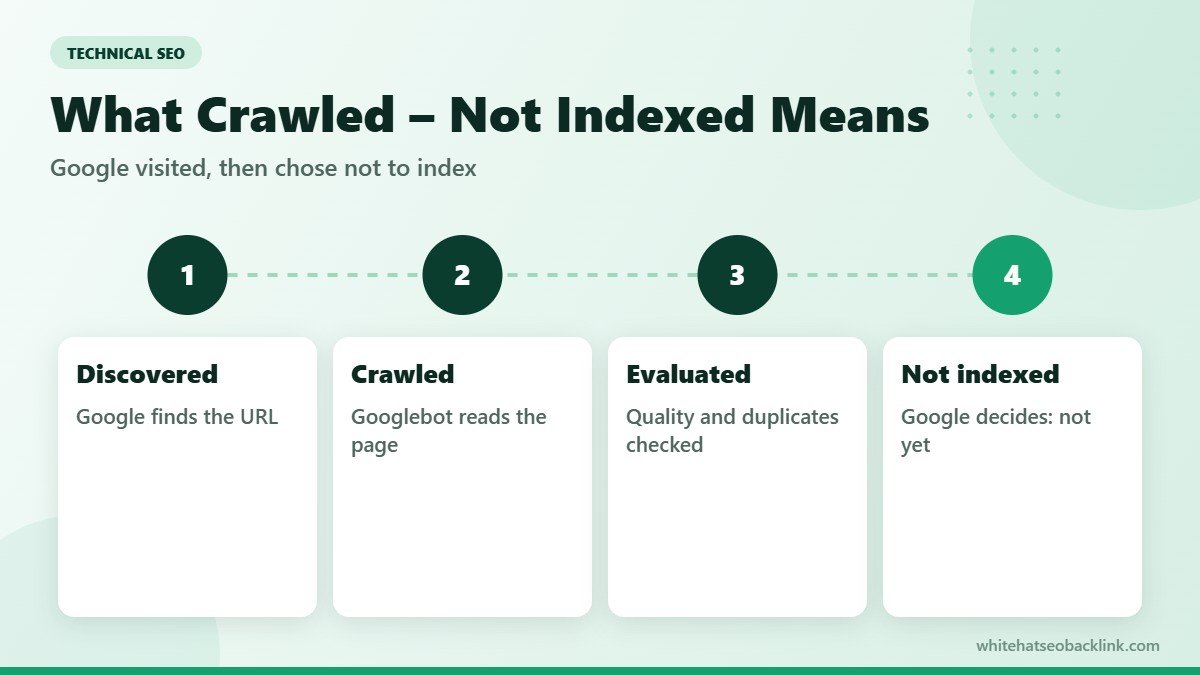
It means Googlebot has crawled the page, but Google chose not to add it to its index for now. The page is not blocked. There is no error. Google simply decided it was not worth indexing at the moment.
Google describes this in its Page indexing report help: the page was crawled but not indexed, and it may or may not be indexed in the future, so there is no need to resubmit it.
In plain English: Google saw it and was not impressed enough, yet.
Crawled vs Discovered – Currently Not Indexed
These two statuses look similar but mean different things:
| Status | What happened | Usual cause |
|---|---|---|
| Discovered – currently not indexed | Google knows the URL exists but has not crawled it yet | Crawl budget, weak internal links, server load |
| Crawled – currently not indexed | Google crawled the page but chose not to index it | Quality, duplication or low value |
If your pages show the “discovered” status instead, read our separate guide on discovered – currently not indexed, because the fixes are different.
When You Can Safely Ignore It
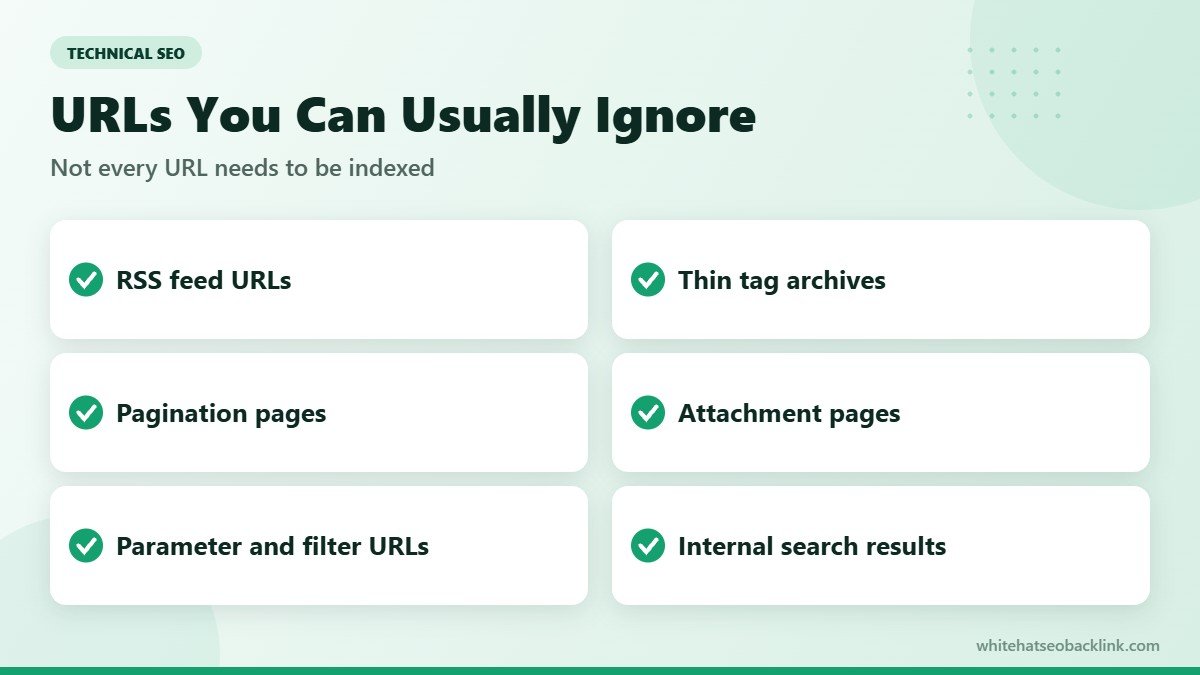
Not every URL in this report is a problem. These are often normal and can be ignored:
- RSS feed URLs (like /feed/)
- Pagination pages (like /page/2/)
- URLs with tracking or filter parameters
- Tag and author archive pages with thin content
- Attachment pages, search result pages and old test pages
Focus only on pages you actually want to rank: service pages, product pages, category pages and important blog posts.
How to Diagnose the Cause
Step 1: Export and sort the list
Export the URLs from the Pages report. Remove the ones you do not care about. Group the rest by type, such as blog posts, products and location pages. Patterns appear fast. If almost all affected pages are, for example, short location pages, you have found your problem.
Step 2: Inspect a few URLs
Use the URL Inspection tool on several important pages. Check:
- When the page was last crawled
- Which canonical Google selected
- Whether the rendered page shows your main content
If Google picked a different canonical, the issue is duplication, not quality. Our guide on alternate page with proper canonical tag explains how canonicals work.
Step 3: Compare with indexed pages
Look at similar pages that are indexed. What do they have that the unindexed ones do not? Usually it is more content, more internal links, more backlinks or more unique value.
9 Fixes for Crawled – Currently Not Indexed
1. Improve the content quality
This is the most common fix. Ask honestly: does this page answer the searcher’s question better than what already ranks? Add real details, examples, images, FAQs and expert insight. Remove filler.
2. Merge thin or similar pages
If you have five short posts about nearly the same topic, combine them into one strong guide and redirect the old URLs. This also prevents keyword cannibalization.
3. Make every page unique
Location pages and product variants often use the same text with only a city or color changed. Google sees them as near duplicates. Add unique details for each one: local photos, local reviews, different specifications or use cases.
4. Add internal links from strong pages
Pages with no or few internal links look unimportant. Link to them from your homepage, main service pages, category pages and related blog posts with clear, descriptive anchor text.
5. Fix orphan pages
An orphan page has no internal links at all. Google may crawl it from the sitemap but treat it as low priority. Our guide to orphan pages shows how to find and fix them.
6. Check for rendering problems
If important content only loads with JavaScript, Google may see an almost empty page. Use URL Inspection and view the rendered HTML to make sure your main text is there.
7. Check for soft 404 signals
Pages with very little content, “no results” messages or out-of-stock products can look like error pages. See our guide on soft 404 errors for the fix.
8. Build a few quality backlinks
External links tell Google a page is worth attention. Even a few relevant links to your most important unindexed pages can help. See our white-hat ways to get backlinks.
9. Request indexing after real changes
After you have improved a page, use URL Inspection and click “Request indexing”. Only do this after real improvements. Requesting indexing on an unchanged page rarely helps.

How Long Does It Take to Fix?
After real improvements, many pages get indexed within a few days to a few weeks. For bigger sites with many affected pages, it can take one to three months for the report numbers to drop. Click “Validate fix” in Search Console to ask Google to recheck the group.
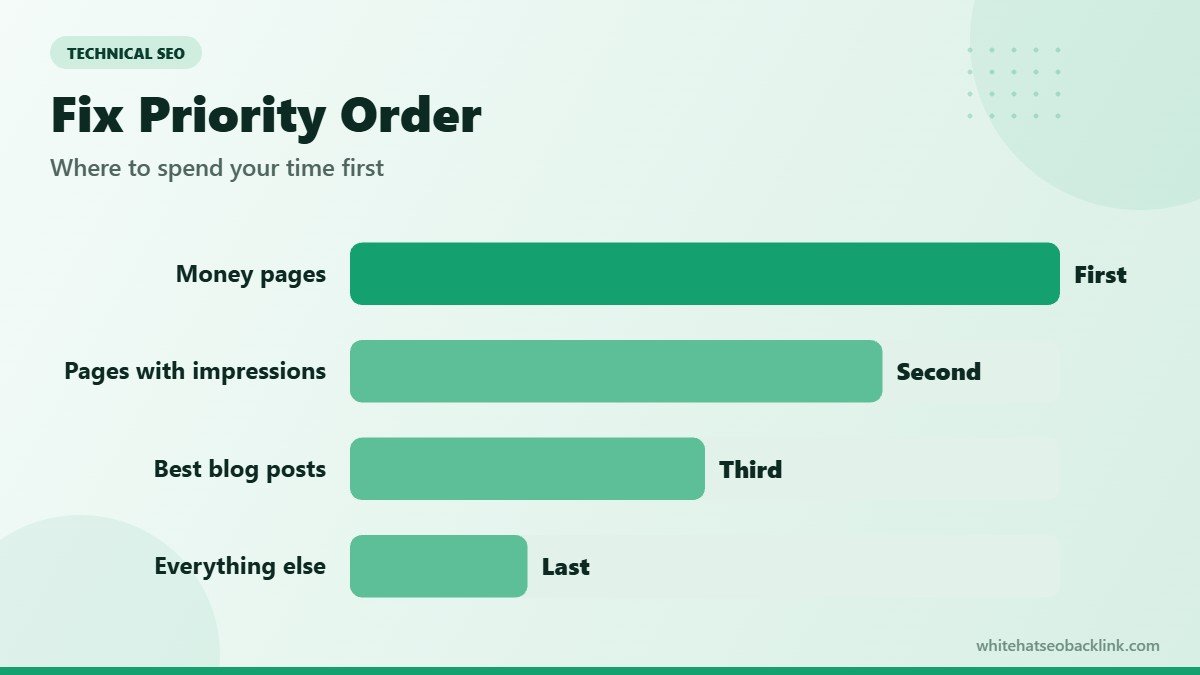
A Simple Priority Order
If you have hundreds of affected URLs, do not try to fix them all at once. Work in this order:
- Money pages: services, products and categories
- Pages that already get impressions or backlinks
- Your best blog content
- Everything else: improve, merge, noindex or delete
How to Prevent It in the Future
- Publish fewer, better pages instead of many thin ones
- Plan content around topics with real search demand
- Link every new page from at least two or three relevant existing pages
- Keep your sitemap clean, with only pages you want indexed
- Audit your site regularly with a technical SEO checklist
FAQ
Is crawled currently not indexed a penalty?
No. It is not a penalty or an error. It is a quality and priority decision by Google.
Should I delete pages that are crawled but not indexed?
Only if they have no value. First try to improve or merge them. Delete or noindex pages that will never be useful to searchers.
Why are my new blog posts crawled but not indexed?
New sites and new posts often need time and signals. Add internal links, make the content clearly better than competing pages and build a few relevant backlinks.
Does requesting indexing fix it?
Not by itself. It only helps after you have made the page more valuable.
Final Thoughts
Crawled – currently not indexed is Google telling you a page needs to be more useful, more unique or better connected. Ignore the URLs that do not matter, then improve, merge and link the pages that do.
Not sure why your important pages are not getting indexed? Our team can help with a full technical review. Contact us or explore our SEO services.