JavaScript SEO: How Google Renders JS and How to Fix Common Issues
Modern websites are built with frameworks like React, Vue, Angular and Next.js. They look great and feel fast, but they can hide your content from search engines if they are set up the wrong way. The result is pages that look perfect to visitors yet sit unindexed in Google Search Console.
This guide explains JavaScript SEO in plain English. You will learn how Google processes JavaScript, which rendering method to pick, how to test your pages, and how to fix the problems that most often stop JS sites from ranking. It also covers a growing issue most guides ignore: AI crawlers that cannot run JavaScript at all.
What is JavaScript SEO?
JavaScript SEO is the part of technical SEO that makes sure search engines can crawl, render and index websites that rely on JavaScript to load content, links or metadata. If your main text, navigation or title tags only appear after scripts run, JavaScript SEO is what keeps those pages visible in search.
How Google processes JavaScript pages
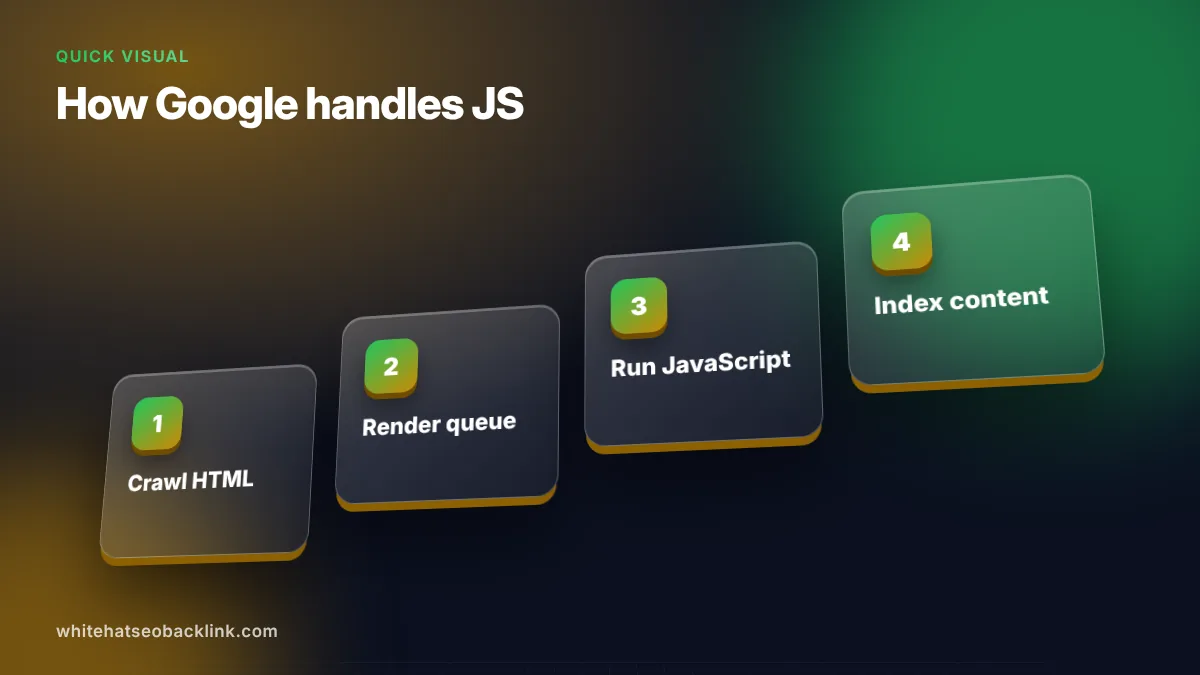
Google handles JavaScript in three main phases:
- Crawling. Googlebot downloads the raw HTML of a URL. If links and content are already in that HTML, Google can use them immediately.
- Rendering. Pages are placed in a render queue. Google’s Web Rendering Service runs the JavaScript with a modern version of Chrome and builds the final page.
- Indexing. Google reads the rendered content, follows any new links it finds, and adds the page to its index.
The key point: rendering costs Google resources. Rendering usually happens within minutes, but on large or slow sites it can take longer, and anything that fails during rendering is simply not indexed.
Why JavaScript SEO matters more in 2026
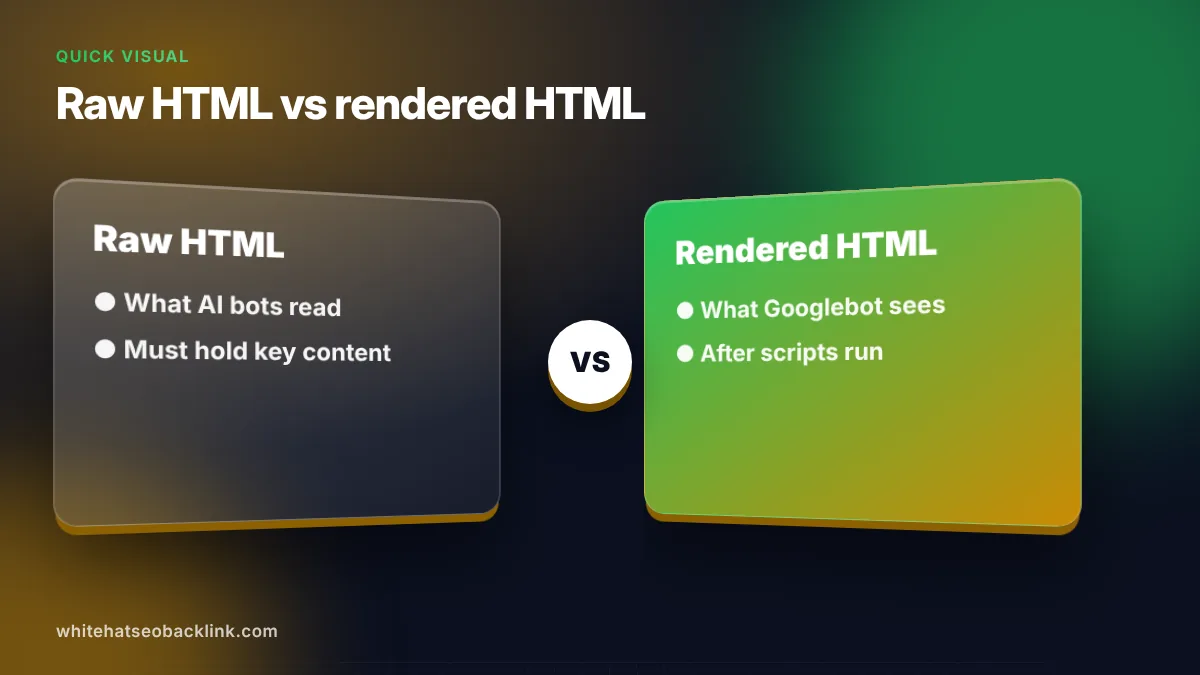
Google can render JavaScript well, but many other systems cannot. Most AI crawlers, including GPTBot, ClaudeBot and PerplexityBot, mainly read the raw HTML and do not execute scripts. Social media preview bots behave the same way. If your content only exists after JavaScript runs, ChatGPT and other AI assistants may see an empty page. Good JavaScript SEO now protects your visibility in AI search as well as Google.
Rendering methods compared
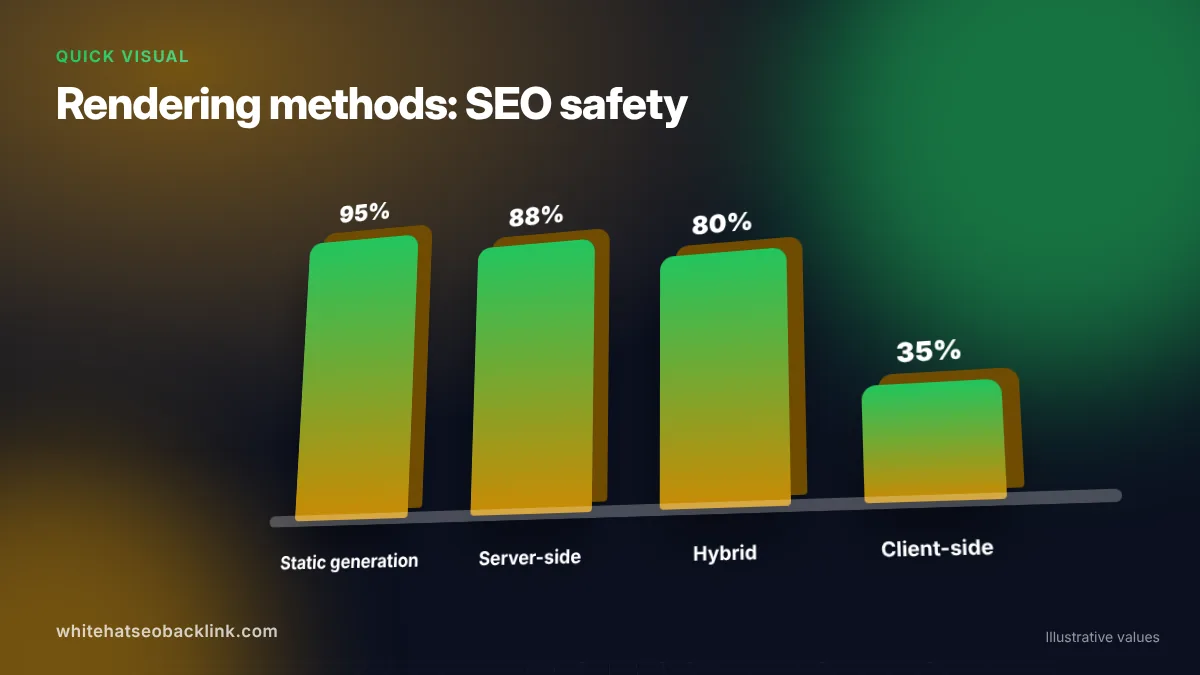
The way your site renders pages is the biggest JavaScript SEO decision you will make.
| Method | How it works | SEO friendliness | Best for |
|---|---|---|---|
| Client-side rendering (CSR) | Browser builds the page with JS | Weakest | Logged-in apps, dashboards |
| Server-side rendering (SSR) | Server sends full HTML for each request | Strong | Ecommerce, news, dynamic sites |
| Static site generation (SSG) | HTML built ahead of time | Strongest | Blogs, docs, marketing pages |
| Hydration and hybrid | Server HTML first, JS adds interactivity | Strong | Most modern frameworks |
| Dynamic rendering | Bots get pre-rendered HTML | Workaround only | Legacy sites short on dev time |
Frameworks like Next.js, Nuxt, SvelteKit and Astro make SSR and SSG easy. Google now describes dynamic rendering as a temporary workaround rather than a long-term solution.
How to test your pages for JS rendering issues
Use the URL Inspection tool
In Google Search Console, inspect a URL and click “View crawled page” or run a live test. Check the rendered HTML and screenshot. If your main content, links or title are missing, Google cannot see them.
Compare raw HTML with rendered HTML
Right-click and choose “View page source” to see the raw HTML, then open DevTools and check the Elements panel for the rendered version. Browser extensions like “View Rendered Source” show the difference side by side. Anything only in the rendered version depends on JavaScript.
Crawl with JavaScript on and off
Tools such as Screaming Frog, Sitebulb and Ahrefs Site Audit can crawl with JavaScript rendering enabled. Run two crawls, one with rendering and one without, and compare word counts, links and titles.
Search for exact text
Copy a unique sentence from a page and search it in quotes on Google with site:yourdomain.com. If nothing appears after a few weeks, that content probably is not being indexed.
10 common JavaScript SEO issues and how to fix them
- Links without href attributes. Google only follows
<a href="/page">links. Replaceonclicknavigation and buttons with real anchor links. - Content loaded only after user actions. Text that appears after a click, scroll or tab switch may never be rendered. Load important content in the initial HTML.
- Blocked JS or CSS files. If robots.txt blocks script folders, Google cannot render the page. Check for warnings such as indexed, though blocked by robots.txt.
- Hash-based URLs. URLs like
/#/productsare treated as one page. Use clean paths with the History API. - Meta tags changed by JavaScript. Titles, canonicals and robots tags should be correct in the raw HTML. A noindex in raw HTML stops Google from rendering at all, a common cause of excluded by noindex tag reports.
- Soft 404s. Single-page apps often return a 200 status for missing pages. Return a real 404 status or a noindex tag. See our guide to soft 404 errors.
- Lazy-loaded content done wrong. Use native
loading="lazy"for images and avoid hiding text behind scroll events. - Slow scripts and poor Core Web Vitals. Heavy bundles delay rendering and hurt INP and LCP. Split code, remove unused libraries and defer non-critical scripts.
- Infinite scroll without pagination. Provide paginated URLs so Google can reach older products and posts.
- Missing structured data in HTML. Inject schema server-side so every crawler, not only Google, can read it.
JavaScript SEO checklist
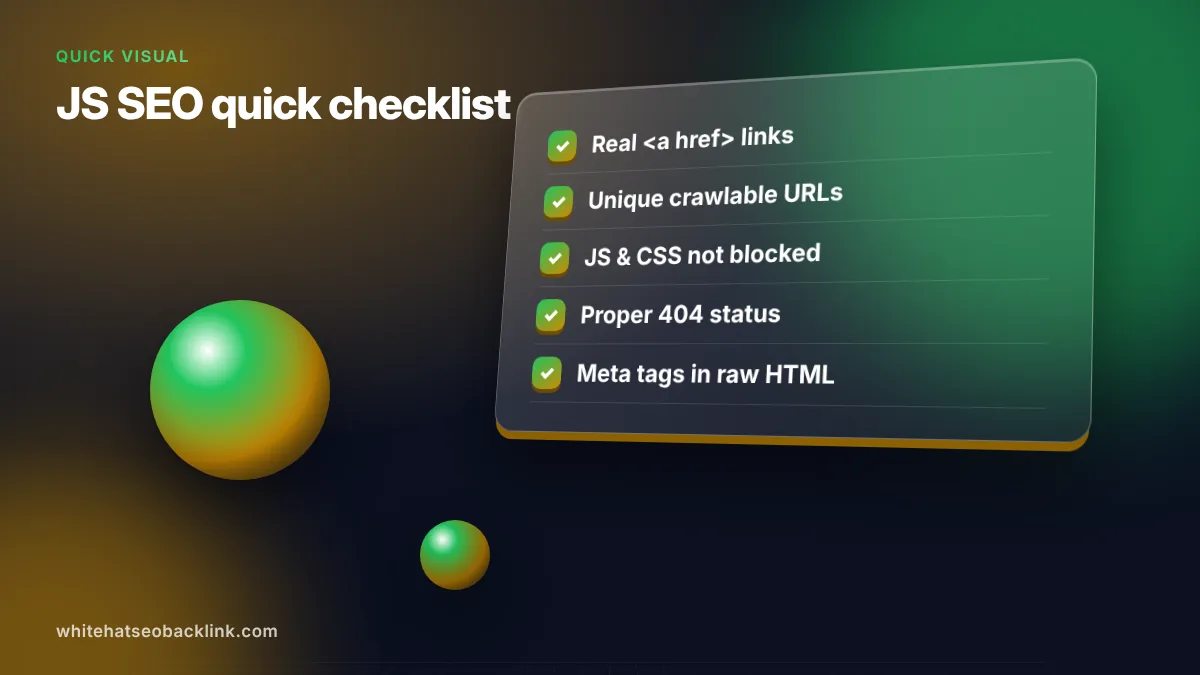
- Important content, links and metadata are in the raw HTML
- Internal links use real
<a href>tags - Each page has a unique, crawlable URL
- JS and CSS files are not blocked in robots.txt
- Missing pages return proper 404 status codes
- Canonical and robots tags are correct before scripts run
- Core Web Vitals pass on mobile
- XML sitemap includes every indexable URL
- AI crawlers receive meaningful HTML content
Add these points to your wider technical SEO checklist so they are reviewed in every audit.
JavaScript SEO for WordPress sites
Most WordPress themes render HTML on the server, so classic WordPress sites rarely have major JavaScript SEO problems. Issues usually come from page builder sliders, tabs or accordions that load content by script, or from headless WordPress setups using React front ends. If you use a headless build, choose SSR or SSG so pages ship with full HTML.
FAQs
Can Google index JavaScript content?
Yes. Google renders most JavaScript with an up-to-date Chrome engine. The risk comes from errors, blocked files, slow scripts and content that only appears after user interaction.
Is client-side rendering bad for SEO?
It is not automatically bad, but it is the riskiest option. For pages that need organic traffic, server-side rendering or static generation is the safer choice.
Do AI crawlers render JavaScript?
Most do not, or only in limited cases. This is why JavaScript SEO now matters for AI visibility: content should be readable in the raw HTML.
Final thoughts
JavaScript SEO comes down to one rule: make sure the important stuff is in the HTML. Pick server-side rendering or static generation for pages that need traffic, use real links, keep meta tags correct before scripts run, and test with the URL Inspection tool. Follow the checklist above and your JavaScript site can rank just as well as any traditional one, in Google and in AI search.