

WordPress Breadcrumbs: How to Add, Style and Optimize Them (No Code)
Have you ever landed on a blog post from Google and had no idea where you were on the site? Breadcrumbs solve that in one line. They show the path from the homepage to the current page, and they help both visitors and search engines understand your site.
In this guide you will learn how to add WordPress breadcrumbs without code, how to style them so they look modern, how to make them work on mobile, and how to set up schema so Google can show them in search results.
What Are Breadcrumbs?
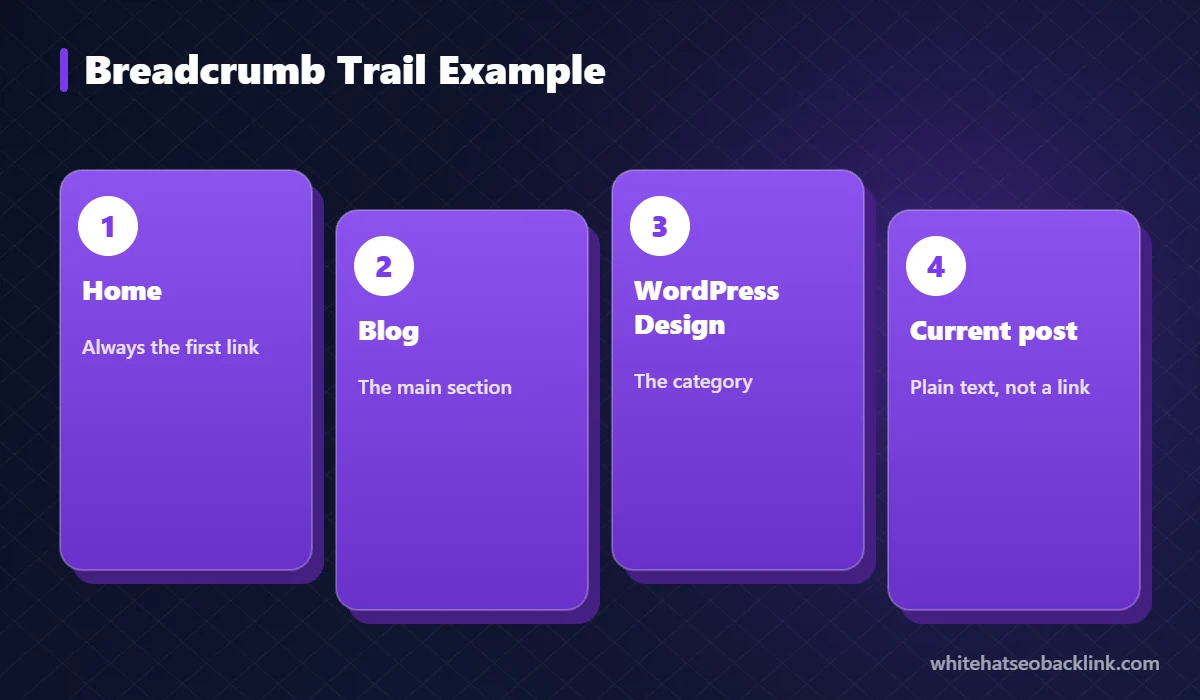
Breadcrumbs are a small row of links, usually above the page title, like this:
Home › Blog › WordPress Design › Current Post
Each part is a link back to a higher level, except the last one, which is the page you are on.
There are three common types:
- Hierarchy-based – shows where the page sits in your site structure. This is the most common and the best for most blogs and shops.
- Attribute-based – used in online stores to show filters like size or color.
- History-based – shows the pages a user visited. This is rarely helpful, since the browser back button does the same job.
Why WordPress Breadcrumbs Matter
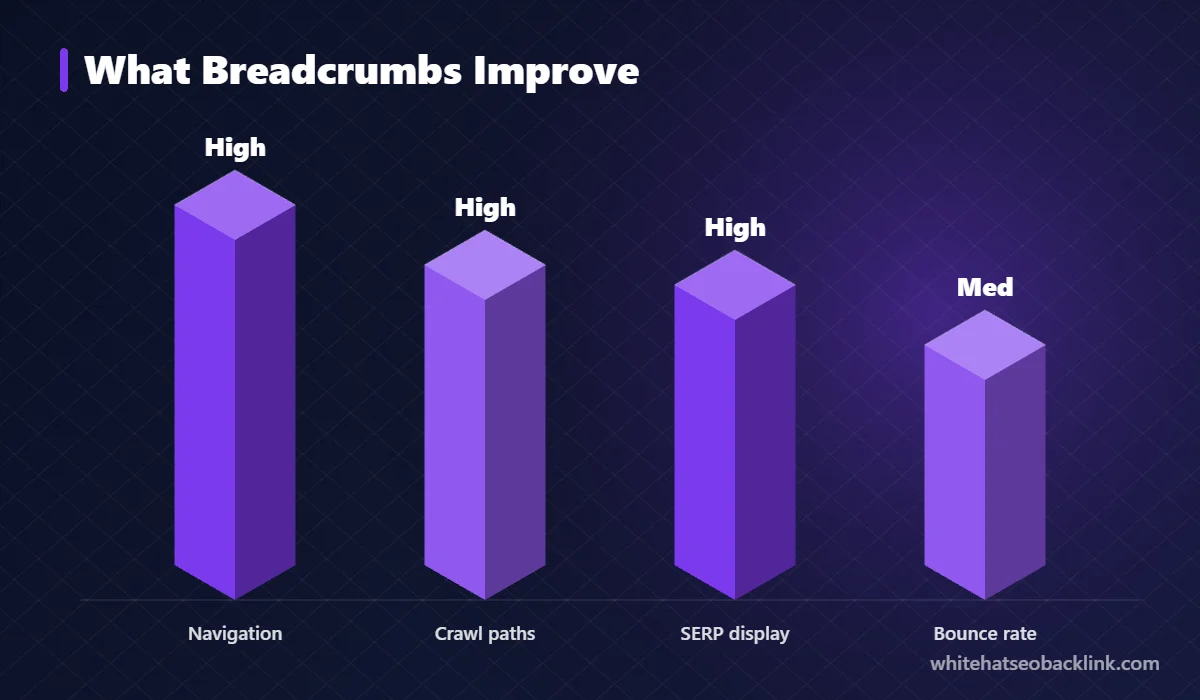
- Easier navigation – visitors can jump up to a category in one click.
- Lower bounce rate – people who land on a post can explore related content.
- Better crawling – breadcrumbs add clean internal links to category pages.
- Nicer search results – with schema, Google can show a site path instead of a messy URL.
How to Add WordPress Breadcrumbs (3 Easy Ways)
Option 1: Rank Math
- Go to Rank Math → General Settings → Breadcrumbs.
- Turn on Enable breadcrumbs function.
- Choose your separator, home label and whether to show the category.
- If your theme supports it, breadcrumbs will appear automatically. If not, add the Rank Math Breadcrumbs block or the shortcode to your single post template.
Rank Math adds BreadcrumbList schema for you.
Option 2: Yoast SEO
Go to Yoast SEO → Settings → Advanced → Breadcrumbs, enable them and set your labels. Then add them to your theme with the Yoast Breadcrumbs block, or ask your developer to add the PHP function to the template.
Option 3: Your Theme’s Built-In Option
Many modern themes include WordPress breadcrumbs. In Kadence, open Customizer → Posts/Pages Layout → Single Post Layout and turn on Breadcrumbs. Astra and GeneratePress have similar options. If you use an SEO plugin too, choose one source only, so you don’t get two trails or double schema.

How to Style WordPress Breadcrumbs So They Look Great
Most guides stop after “enable them”. But default WordPress breadcrumbs often look cramped or hard to read. Simple design tips:
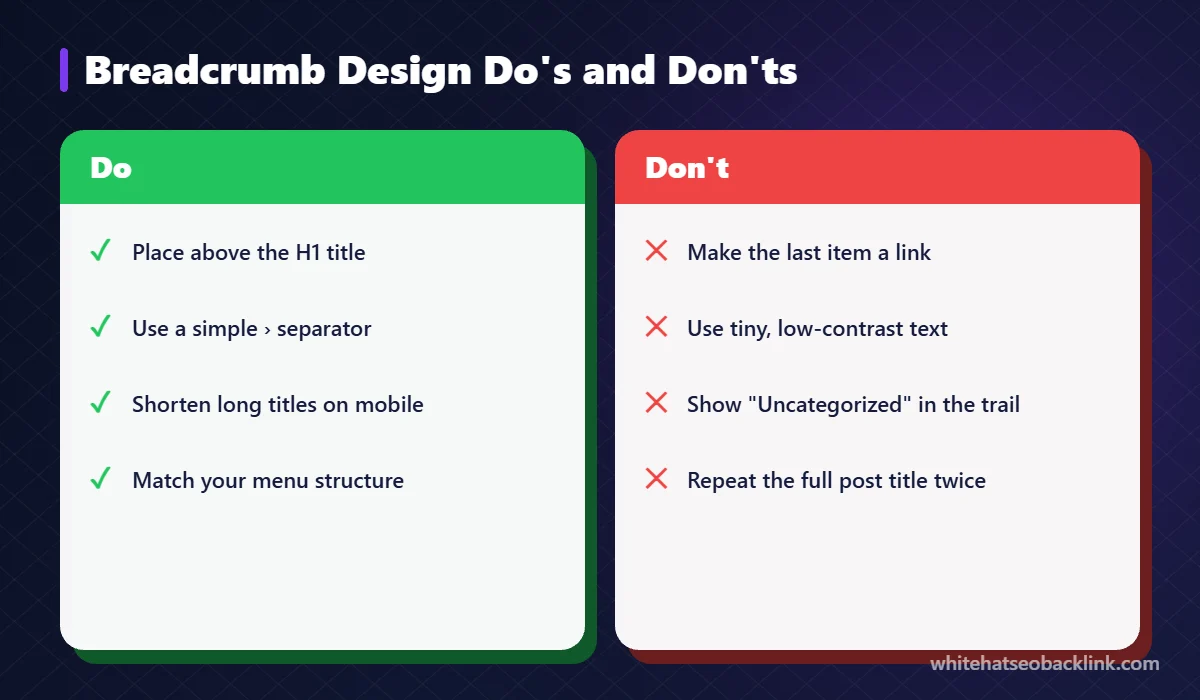
- Placement – put them just above the H1 title, aligned with your content.
- Size – use 14–15px text, slightly smaller than body text, but not tiny.
- Color – a soft gray for links, darker for the current page. Keep a contrast ratio of at least 4.5:1.
- Separator – a simple › or / with spaces on each side.
- Hover – underline links on hover so users know they are clickable.
Here is light CSS you can add in Appearance → Customize → Additional CSS (rename the class to match your plugin):
.rank-math-breadcrumb { font-size: 14px; color: #6b7280; margin-bottom: 12px; } .rank-math-breadcrumb a { color: #4b5563; text-decoration: none; } .rank-math-breadcrumb a:hover { text-decoration: underline; }
Make WordPress Breadcrumbs Mobile Friendly
On phones, long trails can wrap into three lines and push your title down. Fix this by:
- Hiding the current page title in the trail on small screens
- Letting the trail scroll sideways in one line
- Keeping category names short
These small tweaks matter, since most visitors arrive on mobile. Our guide on making a WordPress site mobile friendly covers more layout fixes.
Breadcrumb Schema and Google
Schema markup tells Google the structure of the trail. Rank Math and Yoast add it automatically. To check it, run a post through Google’s Rich Results Test and look for Breadcrumbs as a detected item. In Search Console you’ll also find a Breadcrumbs report under Enhancements (or Shopping/Rich results on newer layouts).
Note that on mobile, Google now often shows only the domain, but schema still helps Google understand your structure.
Common Mistakes
- Making the final item a link to the same page
- Showing “Uncategorized” because posts have no category set
- Using different paths in breadcrumbs and menus
- Running two breadcrumb sources at once
- Placing WordPress breadcrumbs in the footer, where nobody sees them
Accessibility Tips
Wrap the trail in a nav element with aria-label=”Breadcrumb”, and mark the current page with aria-current=”page”. Good plugins do this already, but check if you build them by hand. Our guide to SEO friendly website design covers more usability tips.
FAQ
Do breadcrumbs help SEO?
Yes, indirectly. They improve internal linking, help Google understand site structure and make navigation easier.
Should breadcrumbs appear on the homepage?
No. The homepage is the start of the trail, so there is nothing to show.
Can I add breadcrumbs to pages, not just posts?
Yes. Most plugins and themes let you turn them on for pages, products and archives too.
Final Thoughts
WordPress breadcrumbs take five minutes to set up and help every visitor find their way. Pick one source (your SEO plugin or your theme), place the trail above the title, style it cleanly, make it work on mobile and check the schema. Small details like this make a site feel polished and easy to use, and they fit right into a well-designed homepage and navigation.


