Ecommerce Technical SEO: 12 Fixes for Faster Crawling, Cleaner Indexing and More Sales
An online store can have thousands of URLs: product pages, category pages, filter combinations, sort orders, search results and out-of-stock items. To a shopper, it’s one shop. To Google, it can look like a maze full of near-identical pages.
That’s why ecommerce technical SEO matters so much. If Google can’t crawl, understand and index your most important pages, great products and beautiful design won’t help you rank. This guide covers the 12 technical fixes that matter most for online stores, in plain English.
Why Technical SEO Is Different for Ecommerce Sites
A normal business website might have 30 pages. A store can easily have 30,000. Most of the problems come from scale:
- Filters and sorting create endless URL variations
- The same product appears in several categories
- Products sell out, change or get discontinued
- Manufacturer descriptions are copied across hundreds of other stores
Google has limited time to crawl each site. When it wastes that time on junk URLs, your money pages get crawled less often. You might see the result in Search Console as “Discovered – currently not indexed“.
1. Build a Flat, Logical Site Structure
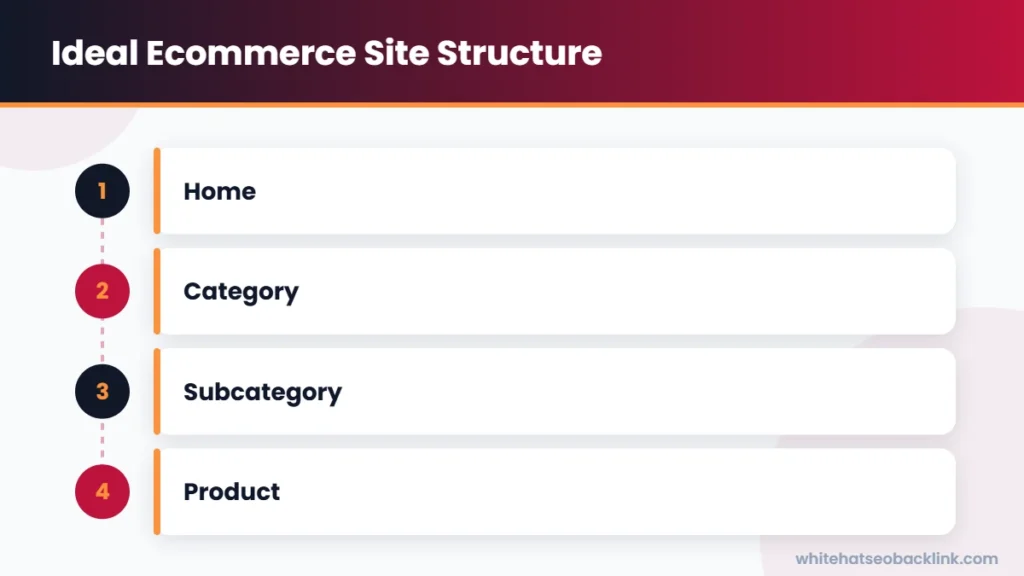
Every product should be reachable within three or four clicks from the homepage. A simple structure looks like this: Home → Category → Subcategory → Product.
Keep category names clear and descriptive, link to your main categories from the main menu and use breadcrumbs so both users and Google understand where each page sits.
2. Use Clean, Readable URLs
Short URLs with words are easier to understand than long strings of IDs. Compare:
- Good:
/mens-running-shoes/ - Poor:
/index.php?cat=12&id=88341&ref=nav
Decide early whether product URLs include the category path. Many stores keep products at the root (for example /product/blue-trail-runner/) so that one product never has several URLs.
3. Control Faceted Navigation
Filters for size, colour, price and brand are great for shoppers but can create millions of URLs. This is the most common ecommerce technical SEO problem, and Google’s own guidance on faceted navigation is worth a read. A practical approach:
- Index filter pages that match real searches, such as “black leather boots”.
- Canonicalise or noindex filter combinations that nobody searches for.
- Block crawling of sort orders and price ranges in robots.txt if they create endless URLs.

4. Handle Duplicate Content With Canonical Tags
When the same product appears at more than one URL, a canonical tag tells Google which version is the main one. Every product and category page should have a self-referencing canonical, and variations should point to the main version. If you see many URLs reported as “alternate page with proper canonical tag“, that’s usually canonicals working as intended.
5. Get Pagination Right
Large categories are split into pages. Make sure each paginated page:
- Has its own crawlable URL (like
/shoes/page/2/) - Uses a self-referencing canonical, not one pointing to page one
- Is linked with normal HTML links, not only with “load more” JavaScript
6. Treat Out-of-Stock Products Carefully
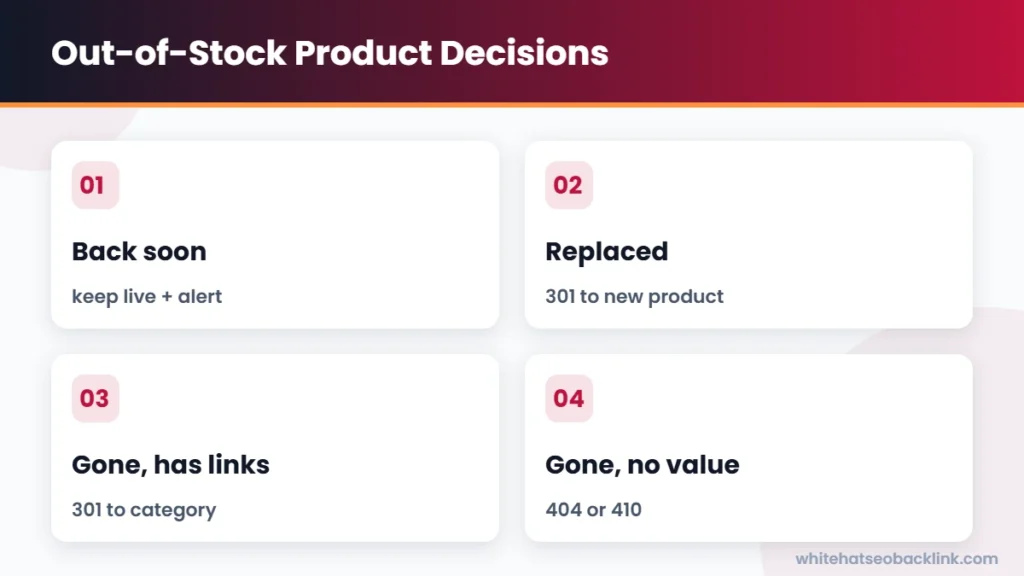
How you handle unavailable products depends on whether they’re coming back:
| Situation | Best action |
|---|---|
| Temporarily out of stock | Keep the page live, show a restock date and offer alternatives or an email alert |
| Permanently discontinued, with a close replacement | 301 redirect to the replacement product |
| Discontinued, no replacement, page has links or traffic | 301 redirect to the parent category |
| Discontinued, no value | Return a 404 or 410 status |
7. Add Product Structured Data
Product schema helps Google show price, availability and review stars in search results. These rich results can noticeably improve click-through rates. Include name, image, price, currency, availability and reviews where you have them, then test with Google’s Rich Results Test.
8. Speed Up Product and Category Pages
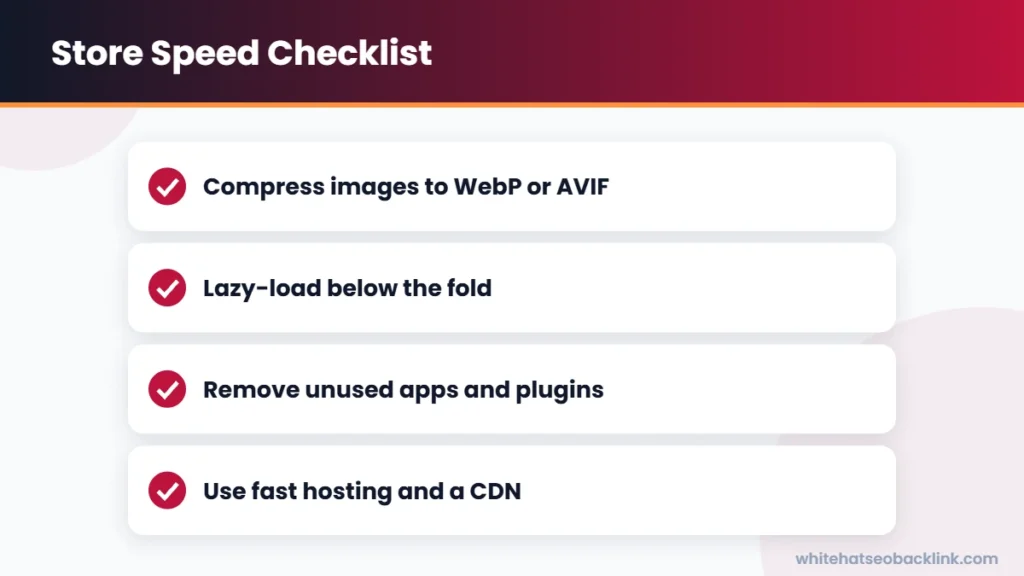
Speed is a core part of ecommerce technical SEO. Online stores are often heavy: large images, many apps and tracking scripts. Focus on Core Web Vitals:
- Compress images and serve WebP or AVIF formats
- Lazy-load images below the fold
- Remove apps and plugins you no longer use
- Use a good host and a CDN
9. Keep Your XML Sitemap Clean
A clean sitemap is one of the easiest ecommerce technical SEO wins. It should only include pages you want indexed: live products, main categories and important content. Remove redirected URLs, noindexed pages and out-of-stock products that are gone for good. Split large sitemaps by type (products, categories, blog) so it’s easy to spot indexing problems.
10. Make Sure Content Isn’t Hidden Behind JavaScript
Many modern stores load products, prices or reviews with JavaScript. Google can render JavaScript, but it’s slower and less reliable. Use the URL Inspection tool in Search Console to view the rendered HTML and confirm that product names, prices, descriptions and internal links appear.
11. Write Unique Product and Category Copy
Copying the manufacturer’s description means your page looks just like dozens of others. Write your own descriptions for your top products, focusing on benefits, sizing tips and real use cases. Add a short, helpful introduction to category pages too. Even 100 to 150 unique words can help.
12. Use HTTPS and Fix Redirect Chains
Every page should load over HTTPS, with one clean version of your domain. Check for redirect chains (A → B → C) and update internal links to point straight to the final URL. Chains waste crawl time and slow down users.
How to Audit Your Store Step by Step
- Crawl your site with a tool like Screaming Frog or Ahrefs Site Audit.
- Compare the number of crawled URLs with the number of real products and categories.
- Review the Pages report in Google Search Console for indexing issues.
- Test a few product and category pages in PageSpeed Insights.
- Fix the biggest issues first: crawl waste, duplicates, then speed.
For a wider list of checks, use our technical SEO checklist.
Final Thoughts
Ecommerce technical SEO is about helping Google spend its time on the pages that make you money. Control filters, handle duplicates with canonicals, manage out-of-stock products sensibly, add product schema and keep pages fast. Get these right and your content and links will finally have a solid base to work on.
Need a hand with your store? Our SEO services include technical audits and fixes for ecommerce sites.
Frequently Asked Questions
What is ecommerce technical SEO?
It’s the process of improving an online store’s structure, code and server setup so search engines can crawl, understand and index product and category pages efficiently.
Should filter pages be indexed?
Only those that match real search demand, such as “red running shoes”. Most other combinations should be canonicalised, set to noindex or blocked from crawling.
Is Shopify or WooCommerce better for technical SEO?
Both can rank well. WooCommerce gives you more control over URLs and code, while Shopify handles hosting and security for you but has fixed URL structures.
How often should I run a technical SEO audit on my store?
Run a full audit every quarter and after any big change, such as a redesign, platform migration or new filter system.
Do out-of-stock pages hurt SEO?
Not if you handle them well. Keep temporarily unavailable products live, and redirect or remove permanently discontinued ones.