Digital Marketing Plan for Small Business: A Simple 1-Page Template
Most small business owners do some marketing online. A few posts on Facebook, an occasional email, maybe a boosted ad when things are slow. The problem is not effort; it is the lack of a plan. Without one, you jump between tactics and never know what is working.
A digital marketing plan fixes that. It is a short document that says who you want to reach, where you will reach them, what you will do each month and how you will measure success. It does not need to be 40 pages. This guide shows you how to build a digital marketing plan for your small business in one afternoon, with a one-page template, a budget split and a 90-day calendar.
What Is a Digital Marketing Plan?
A digital marketing plan is a written roadmap for promoting your business online. It covers your goals, target customers, chosen channels, budget, content schedule and the numbers you will track.
People often mix it up with a strategy. Here is the simple difference:
| Strategy | Plan |
|---|---|
| The “why” and “where” | The “what” and “when” |
| Example: “Win more local families through Google and Instagram” | Example: “Post 3 times a week, publish 2 blog posts a month, run a $300 Google Ads test in March” |
| Changes rarely | Updated every quarter |
Why Small Businesses Need One
- Focus: You pick two or three channels instead of trying to be everywhere.
- Budget control: You know what you will spend before you spend it.
- Consistency: A calendar keeps you posting even in busy weeks.
- Learning: When you track results, you can double down on what works.
A simple digital marketing plan also makes it easier to brief a freelancer or agency, because everyone works from the same page.
How to Create a Digital Marketing Plan in 7 Steps
Step 1: Check where you are now
Every digital marketing plan starts with an honest look at today. Write down your current numbers: website visitors per month, Google Business Profile views, social followers, email list size, and how most customers find you today. If you do not know, ask your next ten customers. This is your starting point.
Step 2: Set 2 or 3 SMART goals
Good goals are specific, measurable and time-bound. “Get more customers” is not a goal. “Get 20 more booking requests from the website by the end of June” is.
Step 3: Describe your ideal customer
Create a short customer profile. Include age range, location, main problem, where they spend time online, and what makes them choose a business like yours. A local bakery’s ideal customer might be “parents aged 30 to 45 within 5 km, planning birthday parties, active on Instagram and Google Maps”.
Step 4: Choose your channels
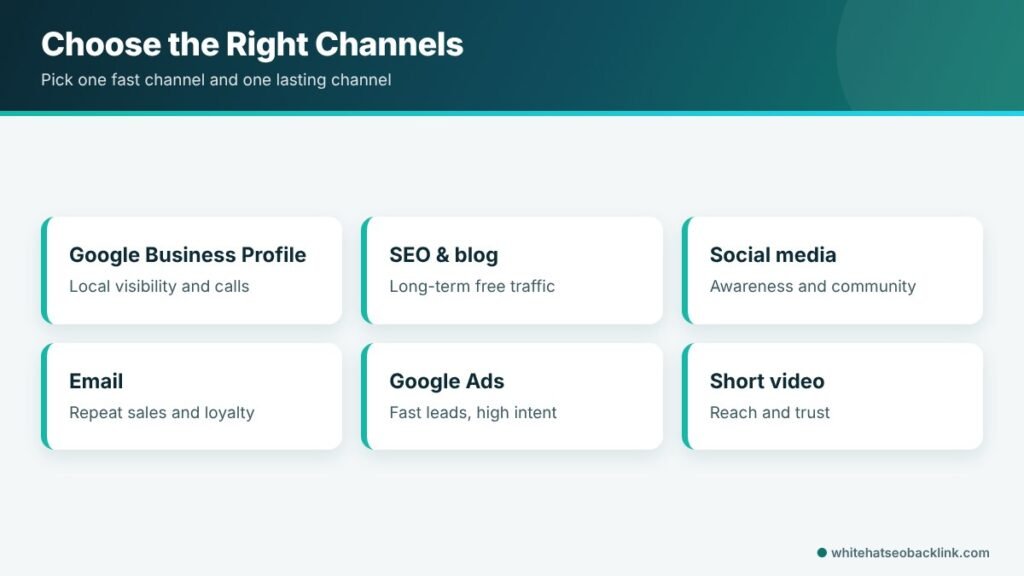
Do not try every channel. A digital marketing plan works best when it is focused. Pick the ones your customers actually use and that match your goals:
| Channel | Best for | Time to results |
|---|---|---|
| Google Business Profile | Local visibility and calls | Weeks |
| SEO and blog content | Long-term free traffic | 3 to 6 months |
| Social media | Awareness and community | Weeks to months |
| Email marketing | Repeat sales and loyalty | Immediate for existing list |
| Google Ads | Fast leads for high-intent searches | Days |
| Short video | Reach and trust | Weeks |
Most small businesses do best with one “fast” channel (ads or Google Business Profile) and one “slow but lasting” channel (SEO or email). If SEO is new to you, read what SEO is in digital marketing.
Step 5: Set your budget
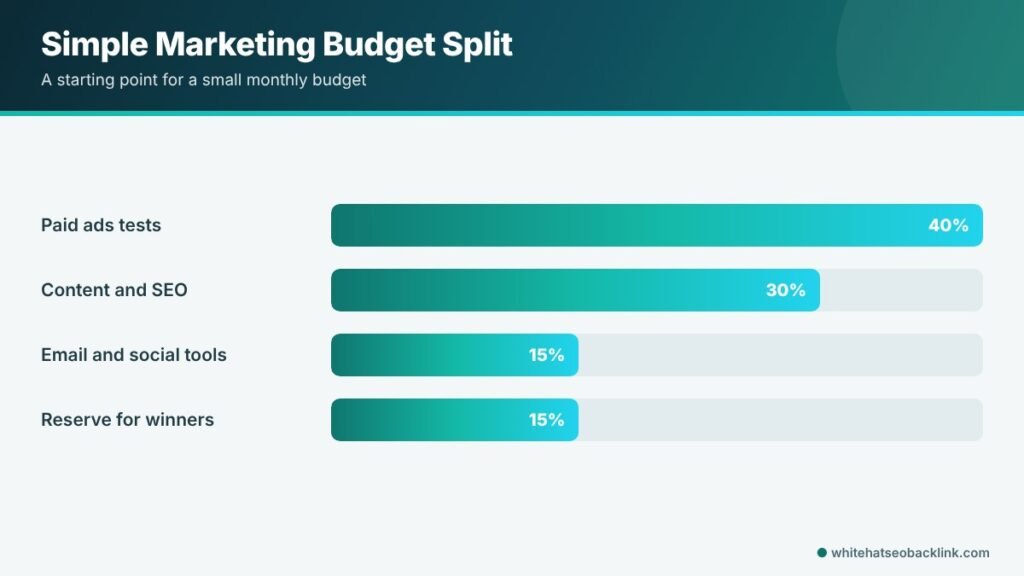
A common rule of thumb is to spend 5% to 10% of revenue on marketing, but start with what you can sustain. Here is a simple split for a small budget:
| Area | Share |
|---|---|
| Paid ads tests | 40% |
| Content and SEO (writing, images, tools) | 30% |
| Email and social tools | 15% |
| Reserve for what works best | 15% |
Review the split every quarter and move money towards the channel with the best cost per lead.
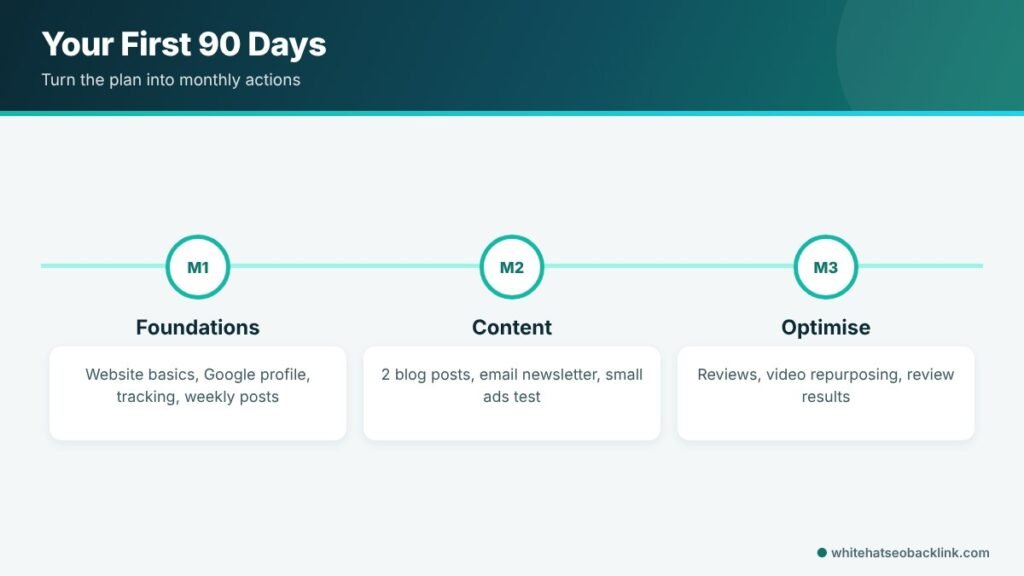
Step 6: Build a 90-day action calendar
A calendar turns your digital marketing plan into weekly tasks you can actually do. A sample first quarter:
| Month | Main actions |
|---|---|
| Month 1 | Fix website basics, complete Google Business Profile, set up tracking, start weekly posts |
| Month 2 | Publish 2 helpful blog posts, start email newsletter, launch a small ads test |
| Month 3 | Ask for reviews, repurpose top content into video, review results and adjust |
Our guides on Google Business Profile posts, email marketing and video marketing give you ready-made ideas for each month.
Step 7: Choose the numbers you will track
Track a few numbers that connect to your goals, not every metric available:
- Awareness: website visitors, profile views, reach
- Engagement: clicks, email open rate, saves and shares
- Leads: calls, form fills, bookings, direction requests
- Sales: new customers, revenue per channel, cost per lead
Review them monthly in a simple spreadsheet. Free tools like Google Analytics, Search Console and your Google Business Profile insights cover most of this.
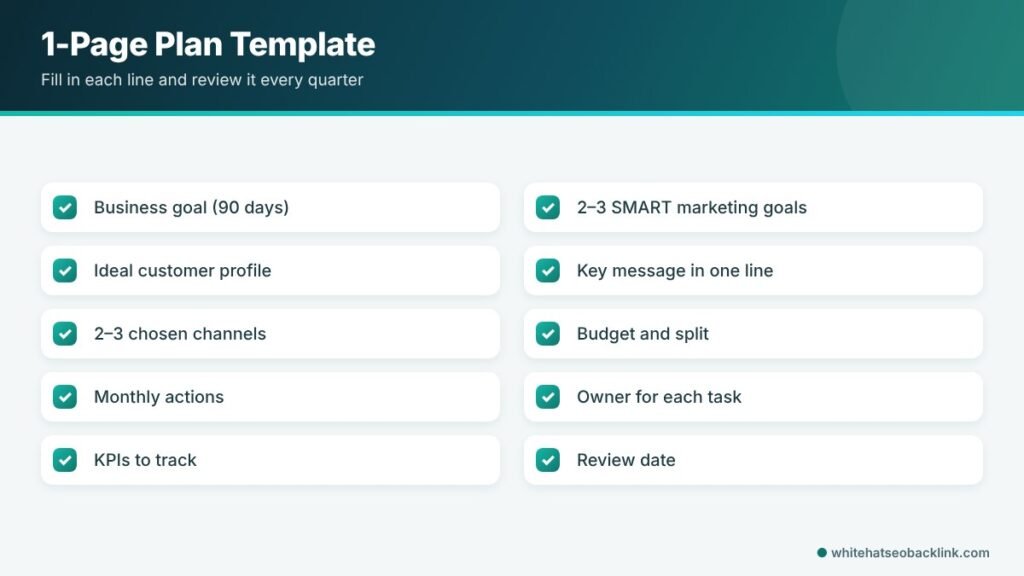
Your 1-Page Digital Marketing Plan Template
Copy this into a document and fill in each line:
- Business goal: What do we want in the next 90 days?
- Marketing goals: 2 or 3 SMART goals
- Ideal customer: Who, where, what problem
- Key message: Why choose us, in one sentence
- Channels: 2 to 3 channels and why
- Budget: Total and split per channel
- Monthly actions: What we will do each month
- Owner: Who does each task
- KPIs: The numbers we will track
- Review date: When we will check and adjust
A one-page digital marketing plan is easy to stick on the wall and hard to ignore. That is its real power.
Example: A Local Bakery’s Plan
To make this concrete, here is how a small bakery might fill in its digital marketing plan:
- Goal: 30 custom cake orders per month by September (currently 12)
- Customer: Local parents planning birthdays and events
- Channels: Google Business Profile, Instagram, email
- Budget: $400 per month (ads $150, photos and content $150, tools $50, reserve $50)
- Actions: 3 Instagram posts a week, weekly Google post, monthly email with new designs, ask every customer for a review
- KPIs: Order enquiries, profile calls, Instagram DMs, reviews per month
Simple, focused and easy to measure. The same approach works for a plumber, a dentist or an online shop.
Mistakes to Avoid
- Copying a big brand’s plan when you have a fraction of their budget
- Choosing channels because they are trendy, not because your customers use them
- Setting goals you cannot measure
- Changing everything after two weeks without enough data
- Ignoring reviews and local search, which often bring the fastest wins. See how to get more Google reviews
Final Thoughts
A digital marketing plan does not need to be complicated. Know where you are, set a few clear goals, choose the right channels, schedule the work and track the results. Spend one afternoon on it now and you will save months of random effort. Review your plan every quarter, keep what works and drop what does not.
FAQs
How long should a digital marketing plan be?
For most small businesses, one to three pages is enough. Clarity matters more than length.
How often should I update my plan?
Review it monthly and update it every quarter, or sooner if something big changes.
How much should a small business spend on digital marketing?
Many spend 5% to 10% of revenue, but start with a budget you can keep up for at least six months.
Can I create a digital marketing plan without an agency?
Yes. The seven steps and template above are designed for owners to complete themselves.
Which channel should I start with?
If you serve local customers, start with Google Business Profile and reviews. For online businesses, start with SEO content and email.